Getting Started
Log In to RoboDX™
[Fig. 1]
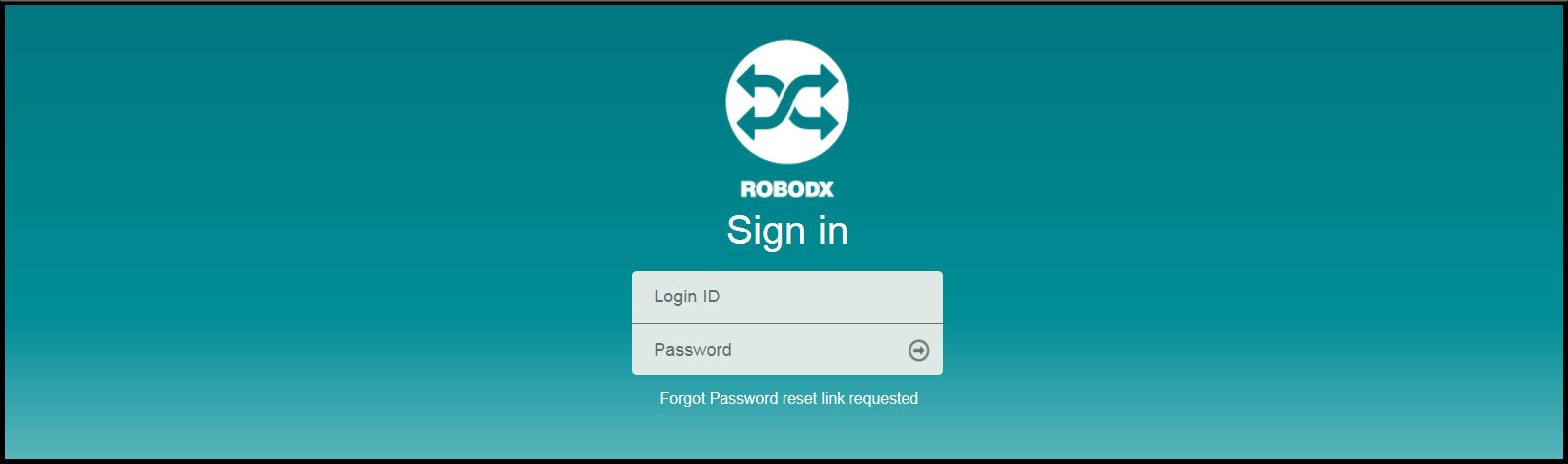
When RoboDX™ loads, you will be immediately prompted with a login window, as shown in as shown in Fig. 1.
- Enter your assigned username and password.
- Click on the "Secure Login" button.
Forgotten Password
- Click on the "Forgot Password reset link requested". The reset-link screen appears (Fig. 2).
- Enter in the email associated with your user credentials. An email will be sent to that email address and will include a link to reset your password.

[Fig. 2]
Log Out of RoboDX™

[Fig. 3]
- Hover your mouse over the Welcome section, located in the upper-right corner of any screen. A drop down with sub links will appear (Fig. 3).
- Click on the "Sign Out" link. You will be signed out and re-directed back to the Login screen.