Getting Started → Profile
Profile
From the profile page, a user can update their profile information. You cannot add a user from this page; that needs to be done via System Administration / User Management / User.
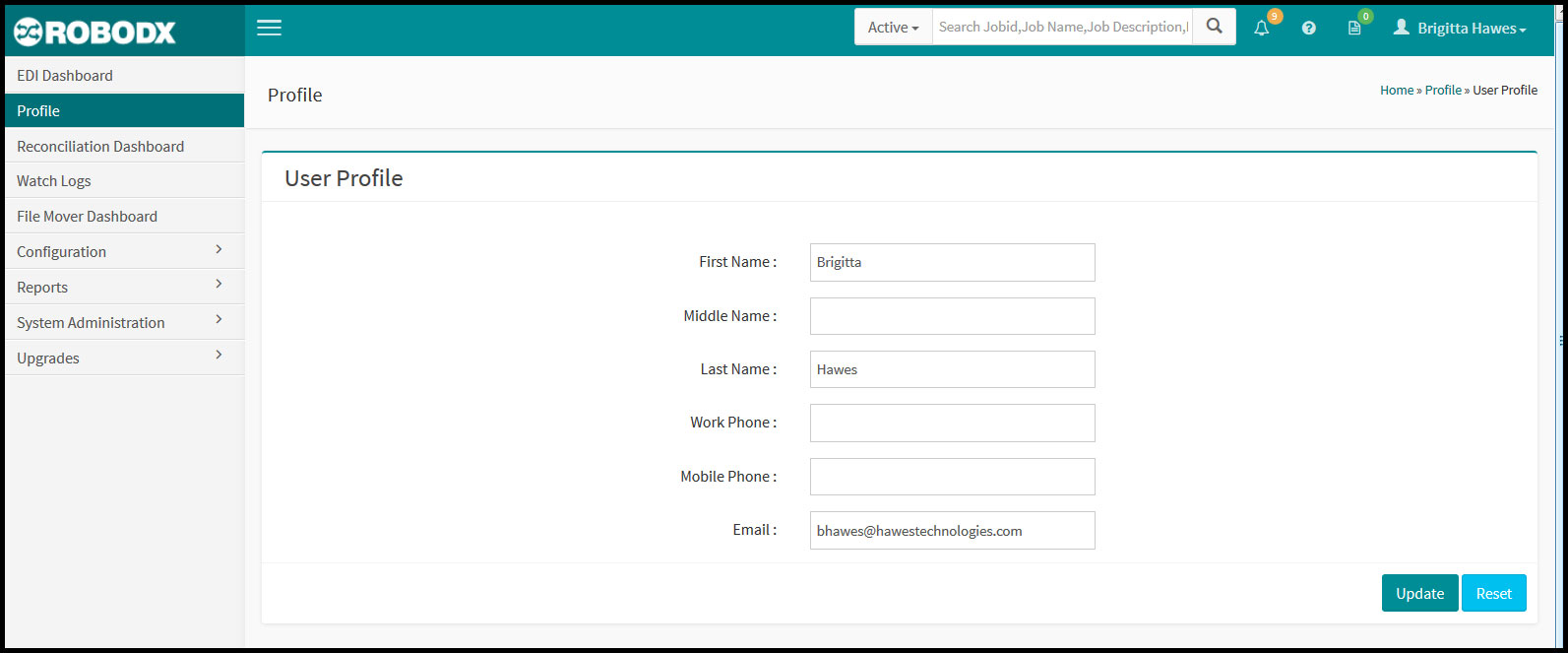
[Fig. 1]
Field Definitions
- First Name: First name of user.
- Middle Name: Middle name of user.
- Last Name: Last name of user.
- Work Phone: User's work/desk phone.
- Mobile Phone: User's mobile phone.
- Email: Users work/personal email.
- Button [Update]: Clicking on this button saves any changes/additions made to an existing user's profile.
- Button [Reset]: Clicking on this button clears the profile form.