Getting Started → Navigation Menu
Navigation Menu
RoboDX's navigation menu is pinned to the left side of the screen (Fig. 1). For more viewing/working space, click on the menu icon located in the header to collapse the menu. To re-open the menu, click on the menu icon again.
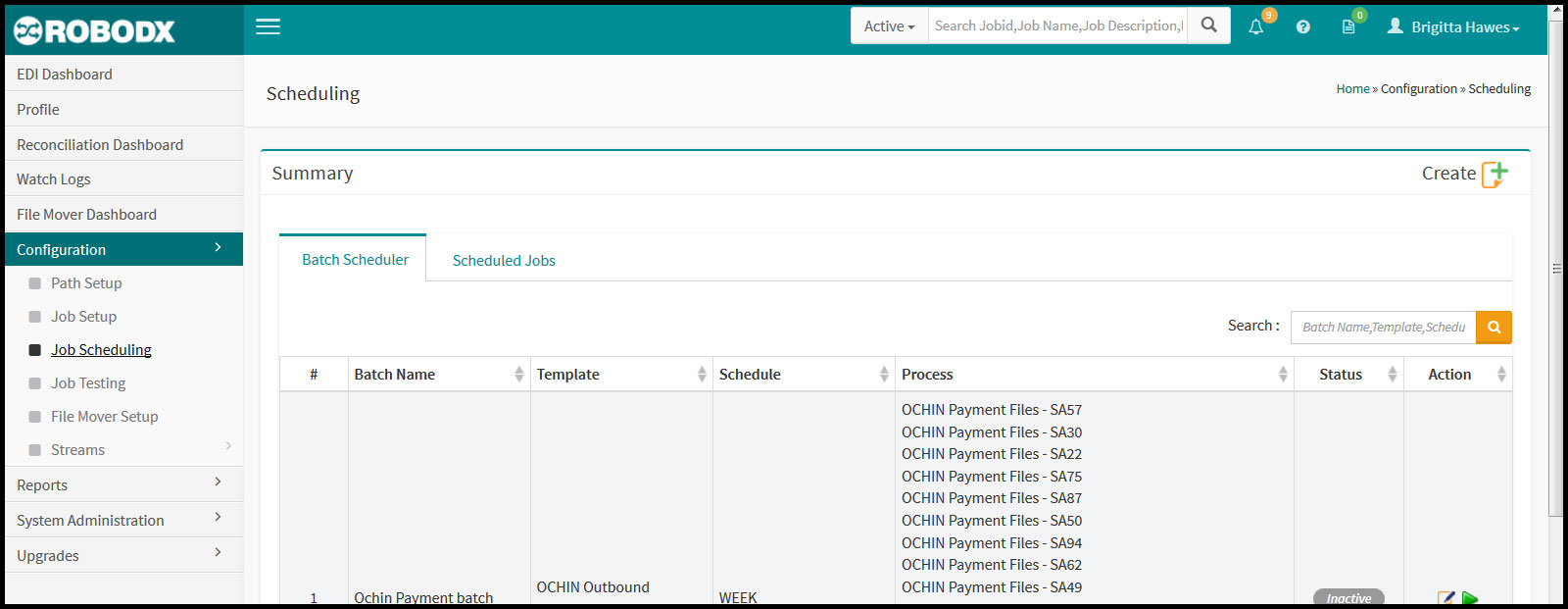
[Fig. 1]
Site Map
The menu is broken down into the following sections:
- EDI Dashboard
- Profile
- Reconciliation Dashboard
- Watch Logs
- File Mover Dashboard
- Configuration
- Reports
- System Administration
- Upgrades